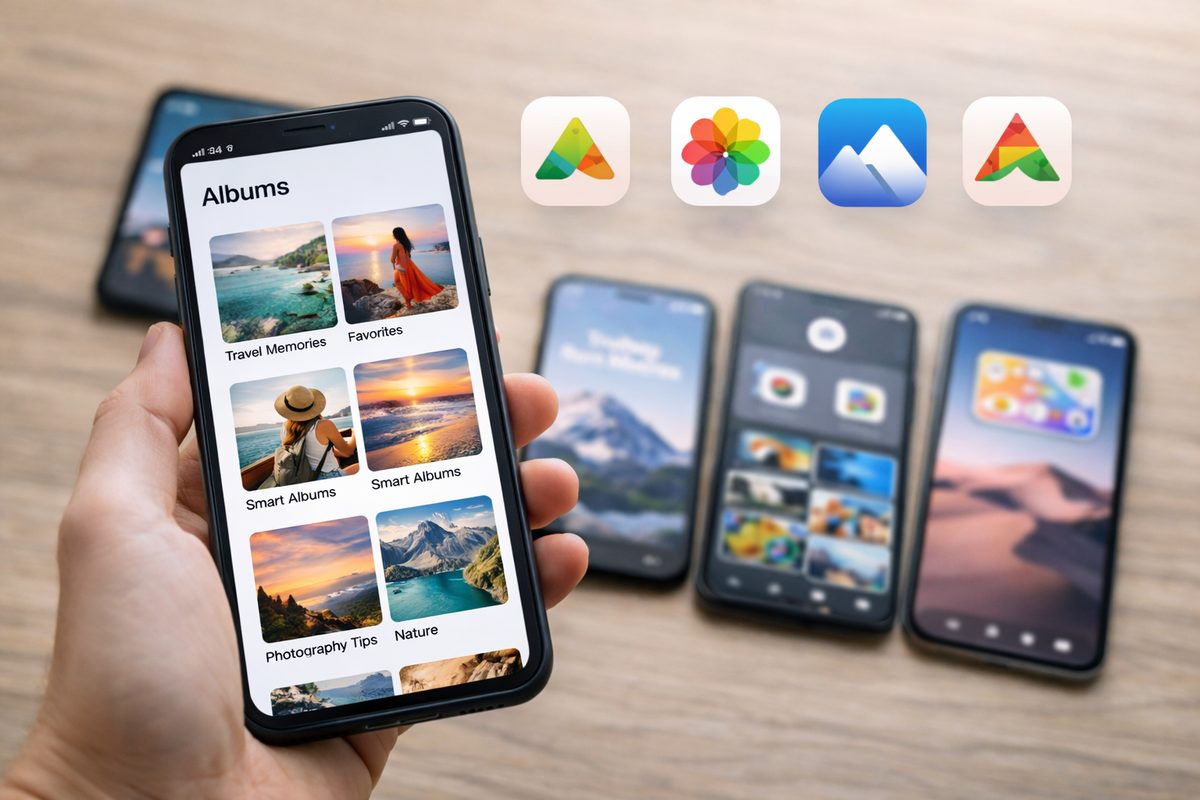
What to look for in a photo app
“Best photo organization app” depends on what you actually need. Before you pick anything, decide which job matters most for you:
- Backup & sync — Are your photos safe and available on all devices?
- Albums & folders — Can you group by trip, person, or theme?
- Search — Can you find “beach” or “Sarah” without scrolling?
- Duplicates — Does it find and merge exact or near-duplicate photos?
- Curating “the best” — Does it help you rank or pick your strongest shots from a set?
- Privacy — Is processing on-device or in the cloud?
No single app wins at everything. A practical setup is usually: one app for backup + sync, and (if you care about reducing clutter) a second tool for curation + cleanup. Below are the main options and who each one is best for.
Apple Photos
Best for: iPhone and Mac users who want everything built in and synced via iCloud.
Apple Photos is the default library for most iPhone owners: iCloud sync, albums, Favorites, Memories, People, Places, and pretty solid search. The built-in Duplicates album is great for exact duplicates, and it’s safe because it’s Apple-native.
Where Apple Photos still feels manual is the “pick the best one” problem. If you have 12 burst shots of the same moment, you’re still scrolling and deciding. It doesn’t really rank your photos by “best” or hand you one clear keeper per cluster — which is exactly why many people add a curation tool on top.
Google Photos
Best for: Cross-platform backup, search, and AI-powered memories—especially if you’re okay with cloud processing.
Google Photos is strong if you want cloud backup plus “magic search” (think: “sunset,” “dog,” “December 2024”), face grouping, and automatic Memories/Trips. It can also surface “best of” suggestions in some flows.
The tradeoff is that many features rely on cloud processing. If you prefer on-device workflows, or you specifically want “rank this set and show me the top 10,” Google Photos isn’t really built as a curation-first tool. It’s excellent for backup and discovery — less focused on aggressively trimming near-duplicates and choosing one winner per moment.
DSTLL
Best for: People who want to quickly rank photos by “how good they look,” find near-duplicates (bursts, reframes), and keep one winner per moment—without sending photos to the cloud.
DSTLL is built for curation, not backup. You pick a set (a trip, an event, a month) and the app ranks photos by aesthetic score (composition, lighting, focus, color) and groups near-duplicates so you’re comparing a shortlist — not your entire camera roll.
You still make the final call on what stays. DSTLL just does the heavy lifting of sorting and clustering. And because processing runs on-device, your library doesn’t have to leave your iPhone. If you already use Apple Photos/iCloud for backup, DSTLL fits neatly on top as the “make a decision fast” layer. Try DSTLL if your pain point is: “I have too many similar shots and I don’t know which one is actually the best.”
Other options worth considering
Amazon Photos — Unlimited full-resolution photo storage for Prime members; good as a second backup. Limited curation or duplicate tools.
Adobe Lightroom — Strong for editing and cloud sync; organization is album- and collection-based. Not focused on duplicate detection or aesthetic ranking of large sets.
Gemini / Google One — Evolving; often tied to Google Photos and AI features. Same privacy considerations as Google Photos.
For most people in 2026, the best setup is simple: choose one place for backup + sync (Apple Photos or Google Photos), then add a curation tool when you want to actually pick your best shots and clear out “same moment” clutter.
Quick take
Use Apple Photos (or Google Photos) for backup and search. Add DSTLL when you want to rank a set by “best,” group near-duplicates, and keep one winner per moment — on device. Download DSTLL.
Summary
Apple Photos — Default for iPhone/Mac: backup, sync, Duplicates album, albums, search. No aesthetic ranking.
Google Photos — Cross-platform backup, great search, AI memories. Cloud-based; not built for “score and pick best” curation.
DSTLL — Curation-first: aesthetic ranking, near-duplicate groups, on-device. Use alongside Photos for cleanup and picking your best shots.
Others — Amazon Photos (backup), Lightroom (edit + sync), Gemini (evolving). None focus on ranking + duplicate clustering like a dedicated curation app.
Pick your backup/sync “home” first. Then, if you care about ranking and trimming near-duplicates, add a curation app — that’s the 2026 playbook.