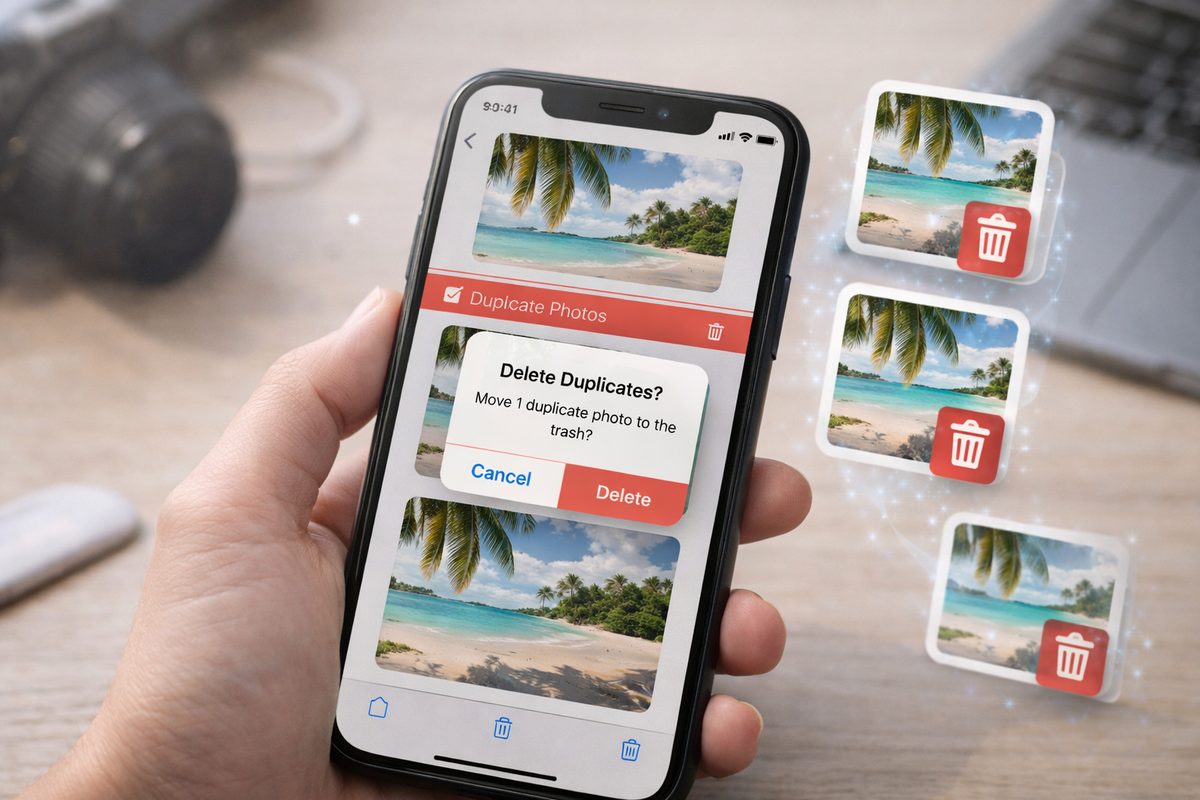
What to look for in a duplicate deletion app
“Duplicate deletion app” can mean a few different things. Before you download anything, decide what you’re actually trying to clean up:
- Exact duplicates — Same file or same content (e.g. same photo saved twice). Usually found by hashing; merge or delete one copy.
- Near-duplicates — Burst shots, reframes, same scene with different crops. Not identical; you want to pick one per moment and remove the rest. Harder than exact duplicates.
- Review before delete — The best duplicate deletion apps for iPhone let you see what’s grouped and choose what to keep or remove. Avoid apps that auto-delete without showing you.
- On-device vs cloud — On-device means your photos don’t leave your iPhone for analysis; better for privacy. Cloud apps can use bigger models but upload your images.
Apple Photos — Duplicates album
Best for: Quick, free exact-duplicate cleanup on iPhone. Built in; no extra app.
Apple Photos includes a Duplicates album (Photos → Albums → Duplicates). It’s the safest first step: free, on-device, and built-in.
It finds exact duplicates (and some very close copies) and lets you merge them — keep the best version, move the rest to Recently Deleted. What it doesn’t really solve is the bigger problem: near-duplicates (bursts, tiny reframes) where you want one keeper per moment. For that you need a tool that groups by visual similarity.
DSTLL
Best for: Near-duplicates and burst shots—group same-moment photos, pick one keeper per cluster, and clean without auto-deleting.
DSTLL is built for the “same moment” problem. Instead of auto-deleting, it groups near-duplicates and ranks shots so you can pick one keeper per cluster.
You review each cluster and choose what to keep, merge, or remove — nothing gets deleted without you. Processing runs on your iPhone, so your photos don’t leave the device. If your problem is “200 burst shots and I need one winner per moment,” DSTLL is made for that. Use it alongside Apple Photos: Apple’s Duplicates for exact copies, DSTLL for near-duplicates and bursts. Try DSTLL free.
Other duplicate finder apps
Several third-party apps in the App Store find duplicates on iPhone. Here are a few options beyond Apple Photos and DSTLL:
CleanMy®Phone (MacPaw)
Best for: Exact and similar duplicates, with on-device scanning and batch review. CleanMy®Phone scans your library locally, finds exact copies and similar-looking photos (including burst shots and different edits), and lets you review groups before deleting. Subscription-based; includes video compression and other cleanup tools.
Remo Duplicate Photos Remover
Best for: Free duplicate and similar-photo cleanup with preview before delete. Remo finds exact duplicates and similar images, shows you side-by-side previews, and keeps one “best” copy per group. Free to use; check the App Store for current pricing and limits.
Gemini Photos (MacPaw)
Best for: Duplicate and similar-photo cleanup with ML-based suggestions. Gemini Photos uses machine learning to surface duplicates, blurry shots, and similar photos, and suggests which to keep or remove. Free for some features (e.g. screenshots, blurry); paid for full similar-photo scanning. Review before delete.
When comparing the best duplicate deletion apps for iPhone in 2026, look for three things: review before delete (non-negotiable), on-device vs cloud (on-device is usually better for privacy), and whether the app handles near-duplicates (bursts, reframes) — not just exact copies.
If bursts and “same moment” clutter are your real issue, choose an app that clusters by visual similarity so you can pick one keeper per cluster.
Quick take
For exact duplicate deletion on iPhone 2026, start with Apple Photos → Duplicates (merge). For near-duplicates and burst shots, use DSTLL, CleanMy®Phone, Remo, or Gemini Photos—all let you review before delete. DSTLL groups same-moment photos and lets you pick one keeper per cluster; nothing auto-deleted. Download DSTLL.
Summary
Apple Photos (Duplicates album) — Built-in, free. Find and merge exact and very similar duplicates. Best for quick exact-duplicate cleanup. No near-duplicate clustering.
DSTLL — Groups near-duplicates and ranks by aesthetics. You pick one keeper per cluster; nothing deleted without you. On-device. Best for burst shots and same-moment cleanup.
CleanMy®Phone — On-device scan for exact and similar photos; review before delete; subscription.
Remo Duplicate Photos Remover — Free duplicate and similar-photo finder with preview before delete.
Gemini Photos — ML-based duplicate and similar-photo finder; review before delete; free tier + paid for full similar-photo scanning.
Best duplicate deletion apps for iPhone in 2026: start with Apple Photos for exact duplicates, then add DSTLL (or CleanMy®Phone, Remo, Gemini Photos) when you need similar-photo and burst-shot cleanup. And always choose tools that let you review before deleting.